 AkôFlow
Inference Benchmark
Measure actual local CPU inference with three batching profiles and verify identical predictions. The branches named CPU, GPU, and edge use CPU fallback batching in the portable profile; no GPU/edge hardware performance or cloud billing is claimed.
Fresh local checkout
Requires Go and Python 3.12+. Run this command from the directory in which you keep your repositories:
git clone https://github.com/UFFeScience/akoflow-examples.git
cd akoflow-examples/machine-learning/inference-benchmark
./prepare.sh && ./run.sh
prepare.sh downloads the pinned Python packages (when required) and Go module once. run.sh then executes the local stages offline in dependency waves. Results are in outputs/; inspect manifest.json, dag-validation.json, and each stage-<name>.json. Independent branches run concurrently.
Run
./run.sh
Requires Go and Python 3 for the standalone smoke test and Docker for execution through AkôFlow. The workflow graph is in workflow.yaml; the expected contract is in expected/manifest.json.
Published image: ghcr.io/uffescience/akoflow-examples/showcase-inference-benchmark:v1.
Run locally step by step
1. Check the prerequisites
Install Go, Python 3, Docker, and a local AkôFlow server/Desktop. Set the local API connection, then confirm every prerequisite:
export AKOFLOW_API_URL=http://127.0.0.1:8080/akoflow-api
export AKOFLOW_API_TOKEN=akoflow-development-token

python3 --version
docker version
curl --fail -H "Authorization: Bearer $AKOFLOW_API_TOKEN" "$AKOFLOW_API_URL/health/"
2. Run the deterministic smoke test
From this showcase directory:
./run.sh
The command recreates outputs/, launches one process per activity in dependency waves (siblings run concurrently), and validates every artifact declared in expected/manifest.json.
3. Build the image used by the workflow
IMAGE=$(sed -n 's/^[[:space:]]*image: //p' workflow.yaml | head -n 1)
docker build -f docker/Dockerfile -t "$IMAGE" .
The workflow command is authoritative. The image intentionally has no competing ENTRYPOINT.
4. Register the local infrastructure and workflow
for item in "environments environment.yaml" "execution-scopes scope.yaml" "network-topologies topology.yaml" "workflow-definitions workflow.yaml"
do
  set -- $item
  curl --fail-with-body -H "Authorization: Bearer $AKOFLOW_API_TOKEN" -H 'Content-Type: application/yaml' --data-binary "@$2" "$AKOFLOW_API_URL/$1/"
done
The order matters: the execution scope references the environment version, the topology references the scope, and the workflow references its namespaced local runtime.
5. Plan and execute in AkôFlow Desktop
- Open Workflows → Definitions and select this showcase.
- Choose Generate plan.
- Select the execution scope imported from
scope.yaml. - Run HEFT and select its feasible candidate.
- Choose Execute plan and confirm Real execution.
- Wait until the run is
completedand every activity is settled.
6. Verify the result
Open the completed run and inspect:
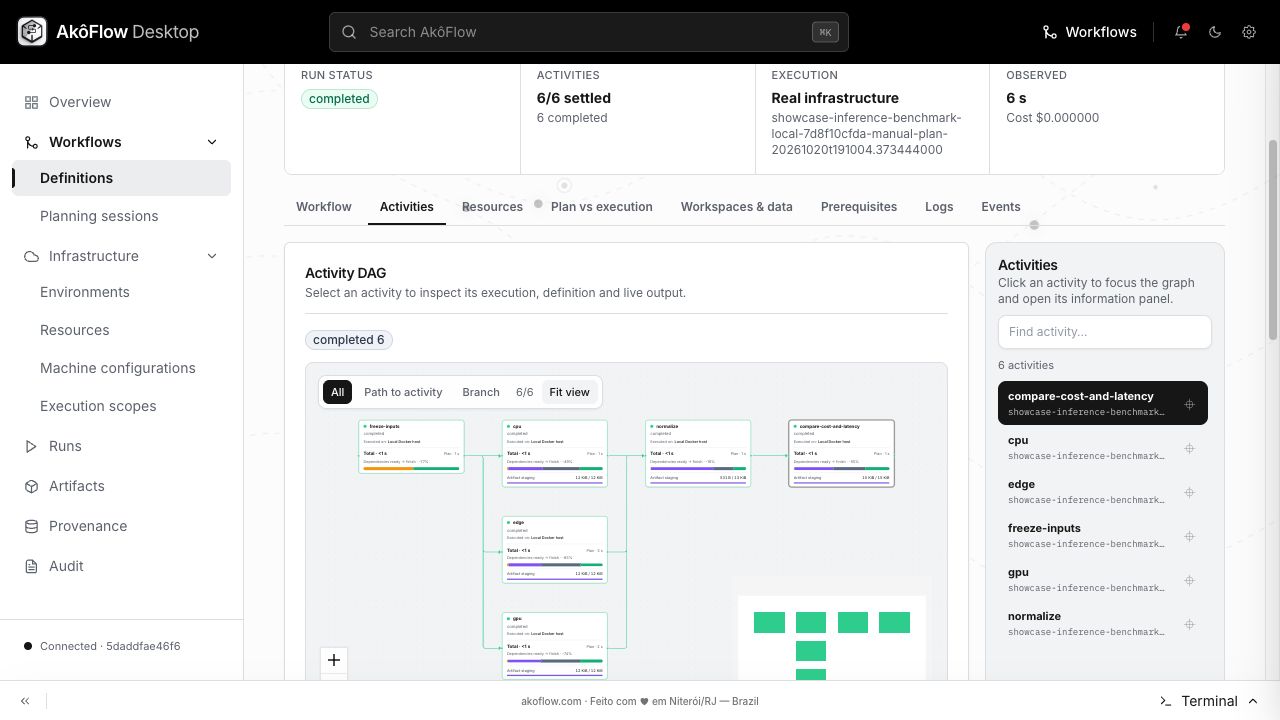
- Activities for the engine-rendered DAG and per-activity status;
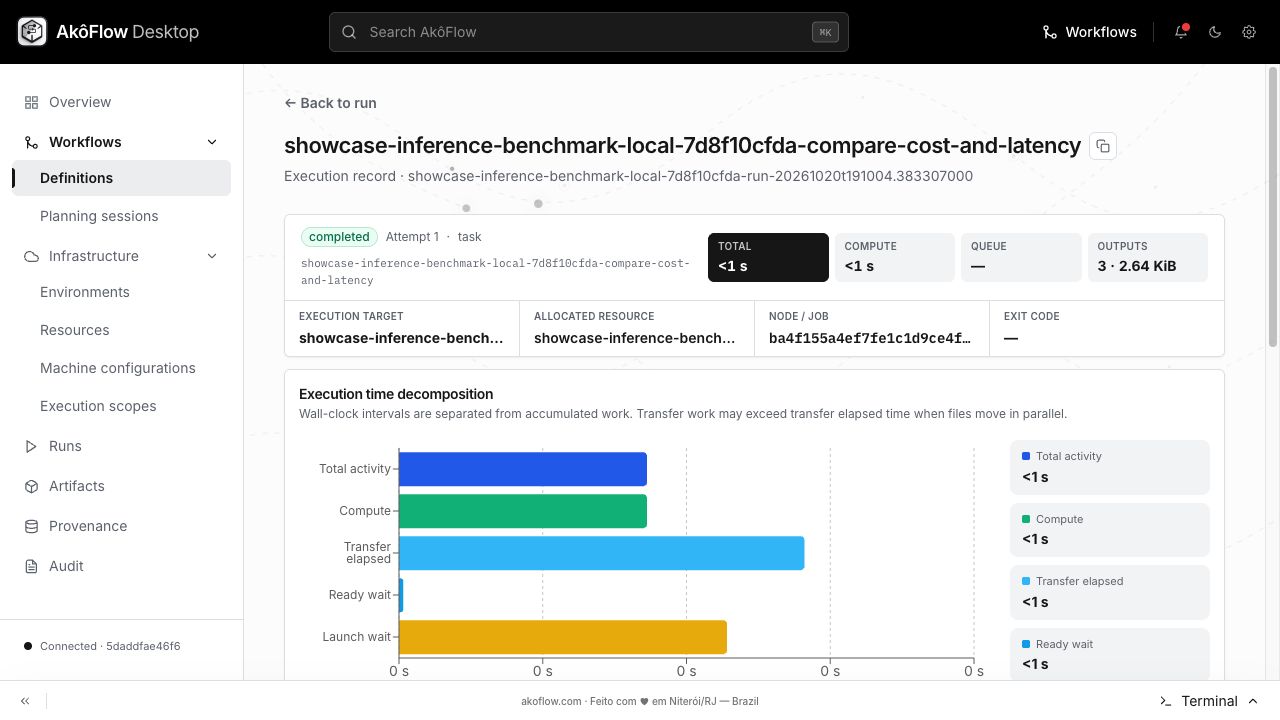
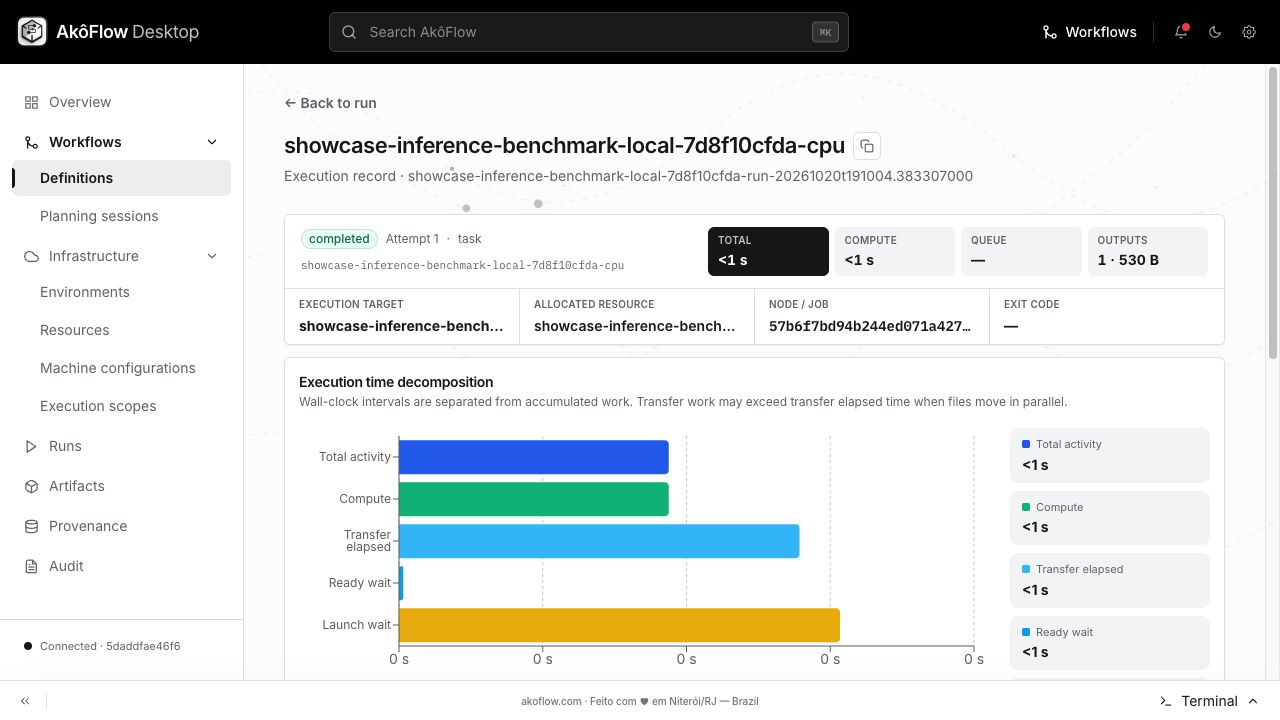
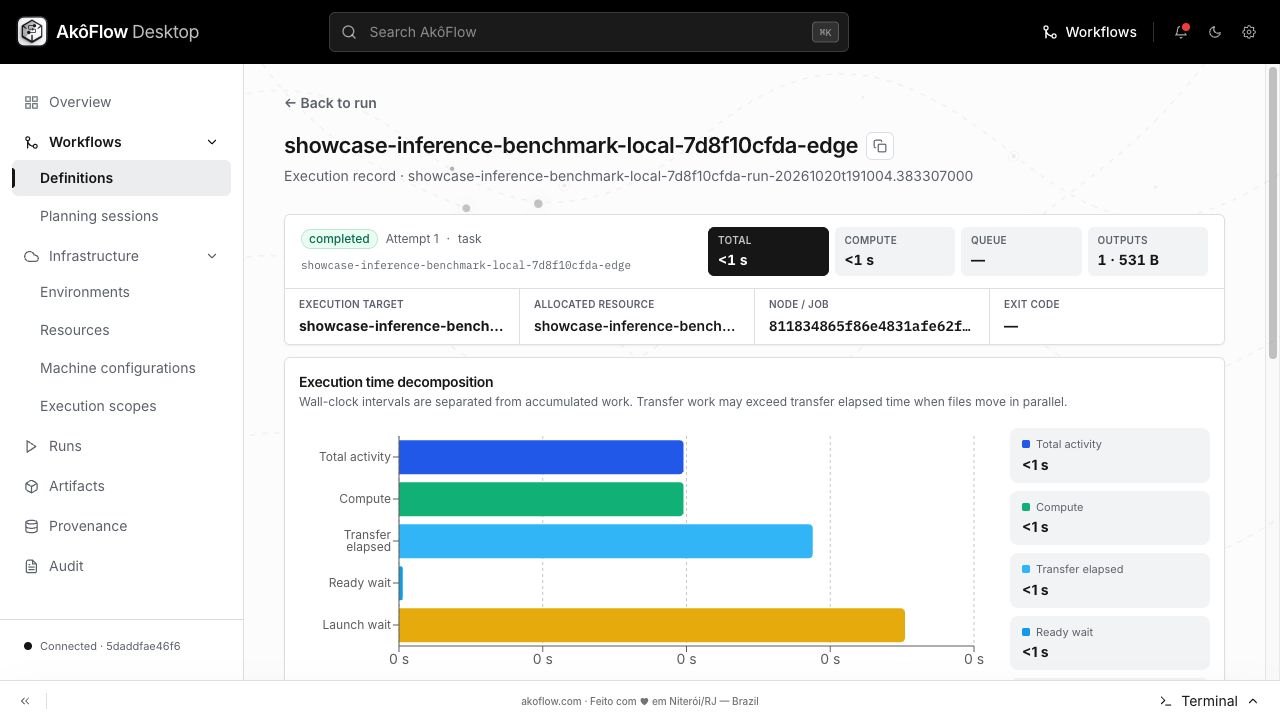
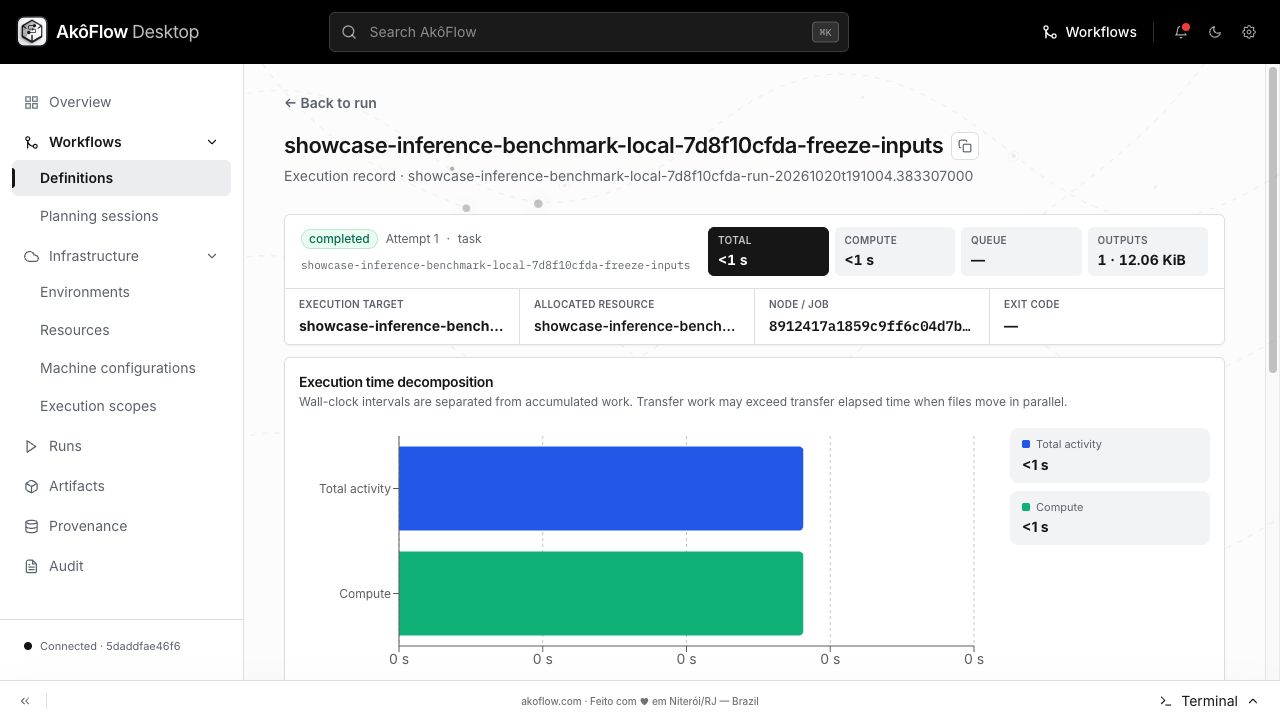
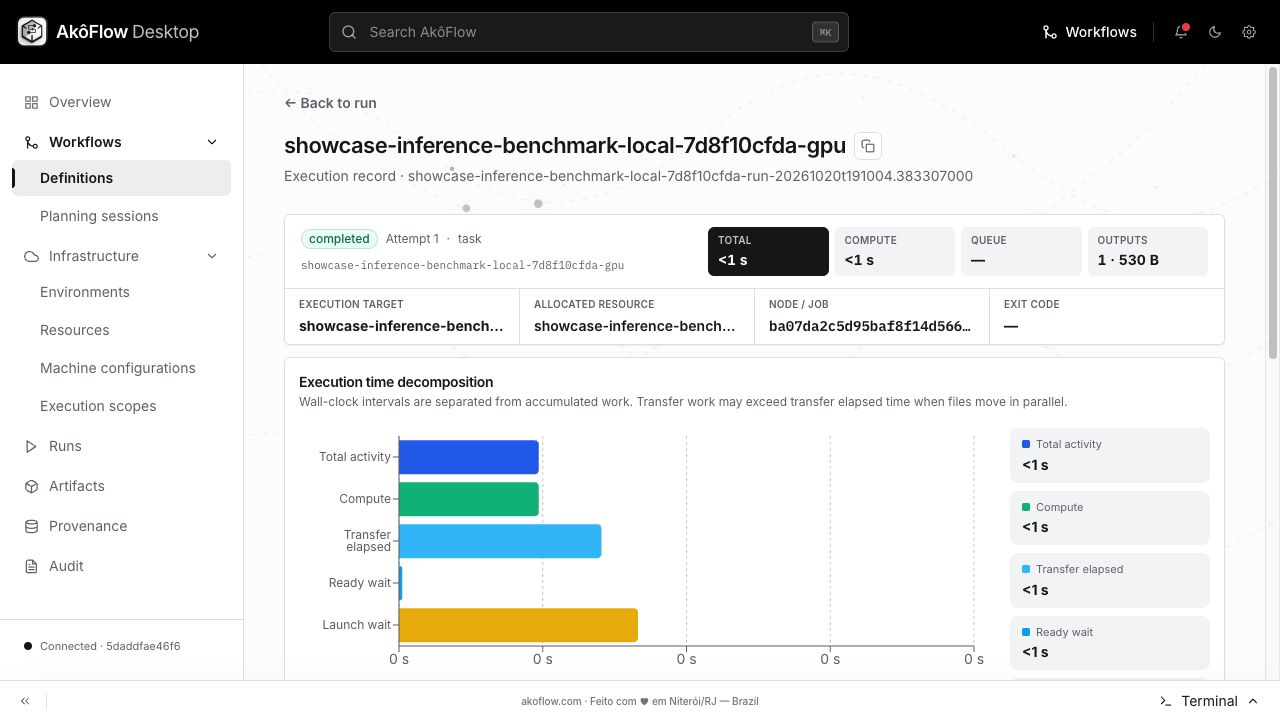
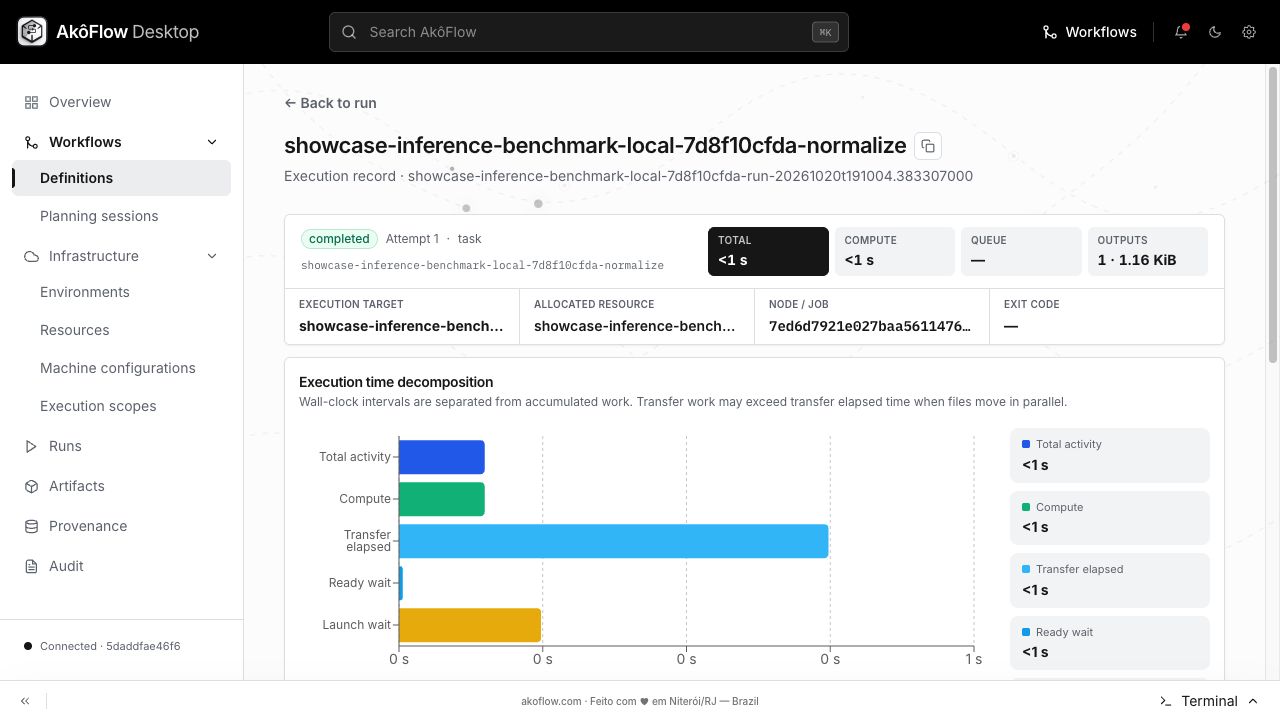
- Workflow for the observed execution lifecycle and timing decomposition;
- Data for workspace transfers;
- the final activity's Generated files table for file names, sizes, and SHA-256 checksums.
Historical captures are stored in screenshots/. They predate the corrected DAG and must not be used to verify this revision. The measured execution and validated outputs for this publication are recorded below. Current local evidence is outputs/dag-validation.json plus outputs/stage-<activity>.json.
Historical capture names:
workflow.png: completed activity DAG;execution.png: observed execution lifecycle and timing decomposition;outputs.png: data transfers between activity workspaces;generated-files.png: files observed in the final output-producing activity.
Public Hub version and measured execution
Open this workflow and its results · Documentation
Import into AkôFlow Desktop
Create workflow → Import from Hub → paste this immutable URI:
akoflow://hub/publications/a0dde05c-5f4e-425a-94b7-6c6436e3cee7/versions/1
The URI imports the workflow definition. Build or pull the public image and register the companion environment.yaml, scope.yaml, and topology.yaml from this source bundle before planning a local execution. No hosted account, GPU or cloud capacity is required for this CPU profile.
Image: ghcr.io/uffescience/akoflow-examples/showcase-inference-benchmark@sha256:f9f193b68631f9098c72cc3334a0a7d577c41e195772ee9e933b17b8b9598cf2.
Actual homeserver results
Run hubv1-showcase-inference-benchmark-local-e776bfef04-run-20261115t054830.960361831 completed 6/6 activities in 14.700184345245361 seconds. These are measured Docker-backed computations, not simulated timing. The captured manual plan uses placeholder predicted timings; those predictions are not benchmark measurements. Use the observed execution metrics for performance analysis. Cost is the configured local compute cost and excludes electricity and hardware.
Download the native experiment capture. The Hub Results tab includes the same plan, attempts, metrics and logs.
Inputs and outputs
Input fixtures and their generation code are in this bundle's data/ and scripts/ directories; inspect them together with the workflow definition and bundle configuration for profile assumptions. Fixtures are generated by the included code unless a bundle identifies an upstream dataset. No repository-wide LICENSE file is currently present: inspect the bundle and upstream terms before redistributing source or data; publication here does not grant additional rights. Outputs expected from this workflow:
benchmark.csvreport.html
Download the actual validated output files.
Illustrated walkthrough
The following reference screenshots come from the documentation walkthrough. The current measured run is recorded separately above.
compare-cost-and-latency
cpu
edge
freeze-inputs
gpu
normalize
workflow