 AkôFlow
AI Video Studio
Create a storyboard, procedural scene frames, generated narration audio, and a video from a versioned local brief. FFmpeg is used when available on the host; the supplied Docker image includes it. The portable fallback writes a valid YUV4MPEG stream rather than pretending to have produced an MP4.
Run locally
Requires Go and Python 3.12+. Blender Render Farm also requires Docker. Run from a fresh checkout:
git clone https://github.com/UFFeScience/akoflow-examples.git
cd akoflow-examples/generative-ai/video-studio
./prepare.sh && ./run.sh
Preparation downloads the Go YAML module. Results are in outputs/manifest.json, outputs/dag-validation.json, and outputs/stage-<activity>.json. Independent branches run concurrently as soon as their own dependencies and a local execution slot are available.
Inspect the same DAG in Desktop
Start the local AkôFlow daemon with Docker available and configure AKOFLOW_API_TOKEN in your shell. From this example directory:
go run ../../tools/daemon-local -root ../.. -example generative-ai/video-studio
The command builds the declared image, validates Docker connectivity, registers local-only infrastructure, and executes the workflow through the daemon. Current verified screenshots are in screenshots/current/; their manifest identifies the exact run and image. The full daemon projection is in evidence/daemon-run.json.
Public Hub version and measured execution
Open this workflow and its results · Documentation
Import into AkôFlow Desktop
Create workflow → Import from Hub → paste this immutable URI:
akoflow://hub/publications/7a454cd3-5867-4c73-a96e-32d590370c54/versions/1
The URI imports the workflow definition. Build or pull the public image and register the companion environment.yaml, scope.yaml, and topology.yaml from this source bundle before planning a local execution. No hosted account, GPU or cloud capacity is required for this CPU profile.
Image: ghcr.io/uffescience/akoflow-examples/ai-video-studio@sha256:60c638432c92bb6a50029dbcafdc6c5f510bcd8de3966bd9eb1a2762943c8ea6.
Actual homeserver results
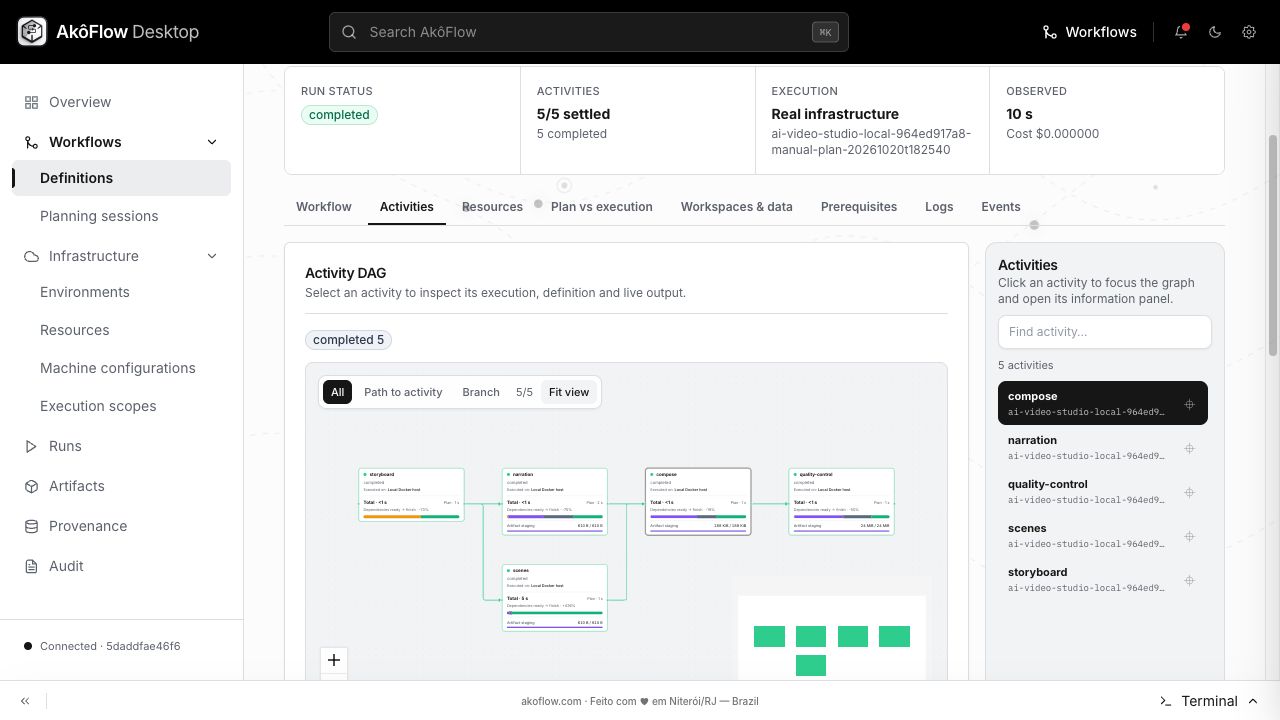
Run hubv1-ai-video-studio-local-ba0f251672-run-20261115t055329.440550088 completed 5/5 activities in 24.097910165786743 seconds. These are measured Docker-backed computations, not simulated timing. Cost is the configured local compute cost and excludes electricity and hardware.
Download the native experiment capture. The Hub Results tab includes the same plan, attempts, metrics and logs.
Inputs and outputs
Input fixtures and their generation code are in this bundle's data/ and scripts/ directories; inspect them together with the workflow definition and bundle configuration for profile assumptions. Fixtures are generated by the included code unless a bundle identifies an upstream dataset. No repository-wide LICENSE file is currently present: inspect the bundle and upstream terms before redistributing source or data; publication here does not grant additional rights. Outputs expected from this workflow:
storyboard.jsonframes.jsonnarration.wavfinal.mp4quality-report.json
Download the actual validated output files.
Illustrated walkthrough
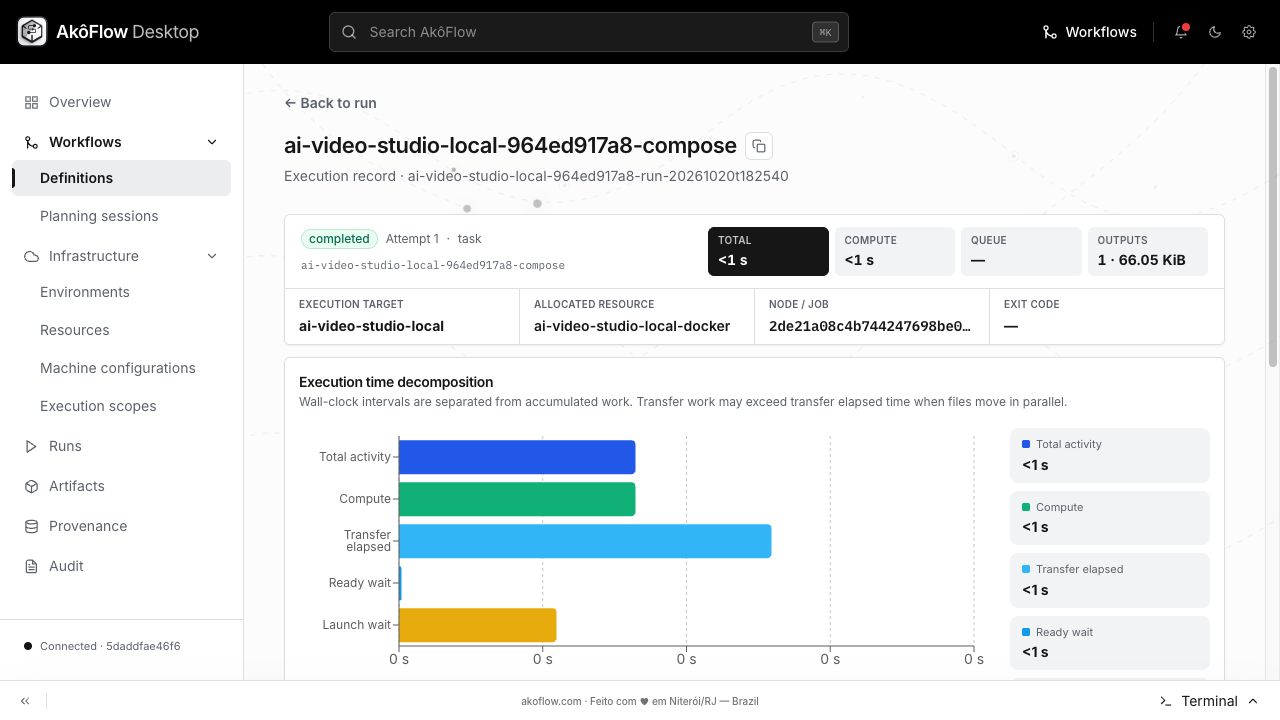
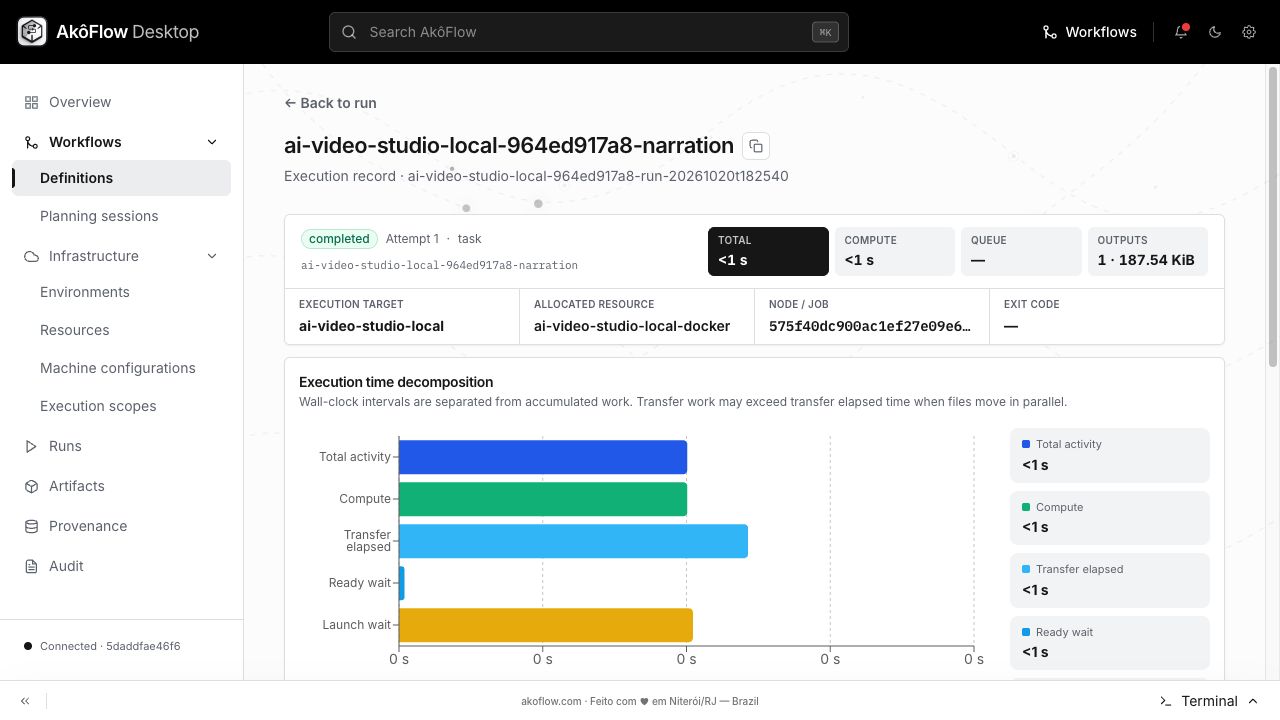
The following reference screenshots come from the documentation walkthrough. The current measured run is recorded separately above.
compose
narration
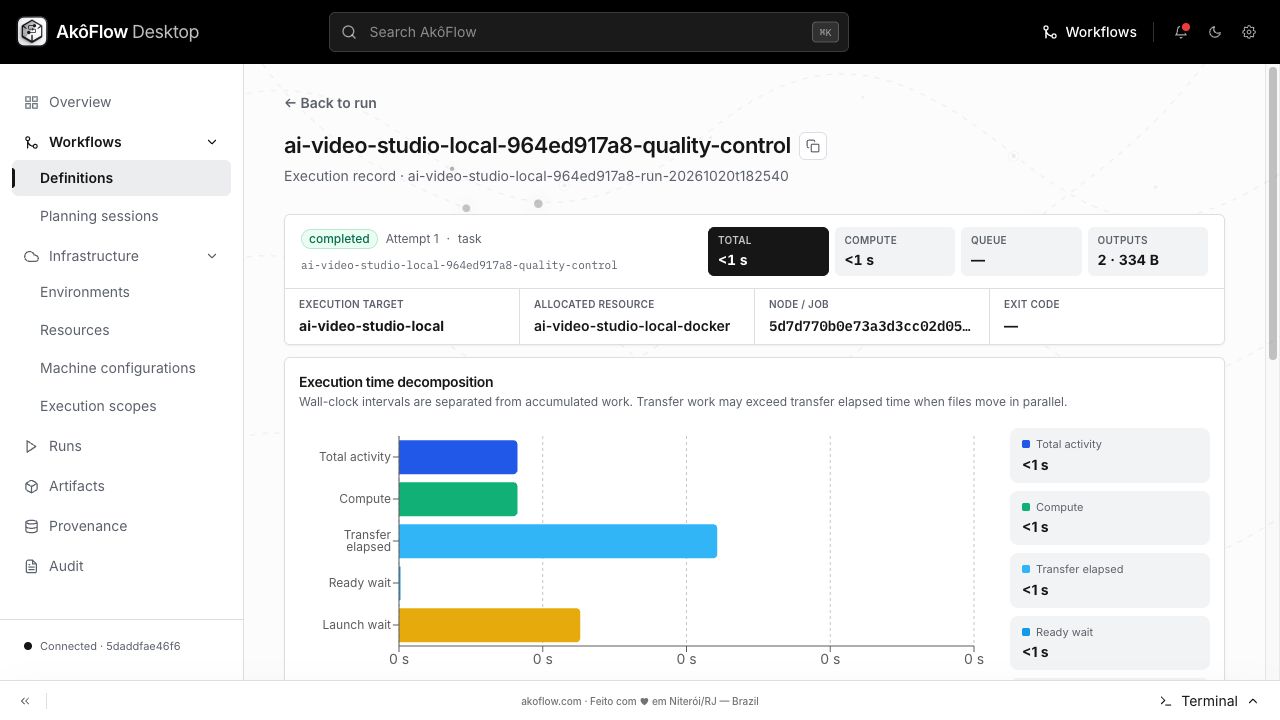
quality-control
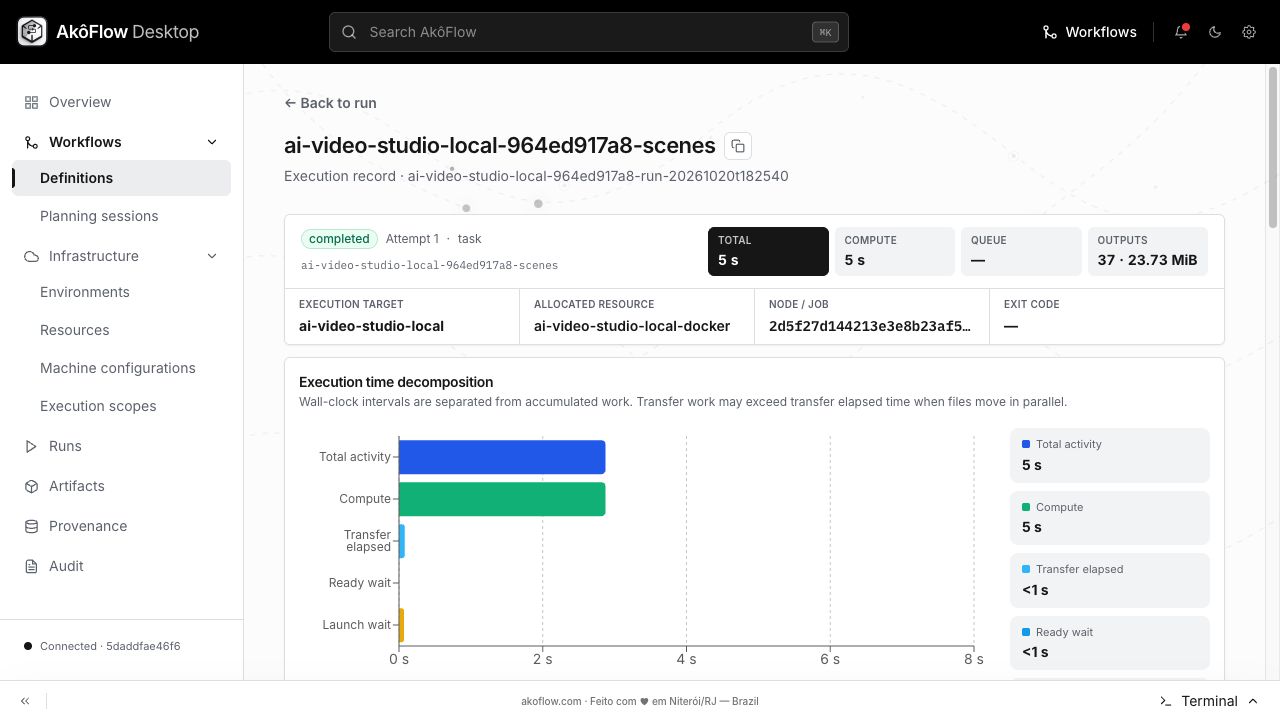
scenes
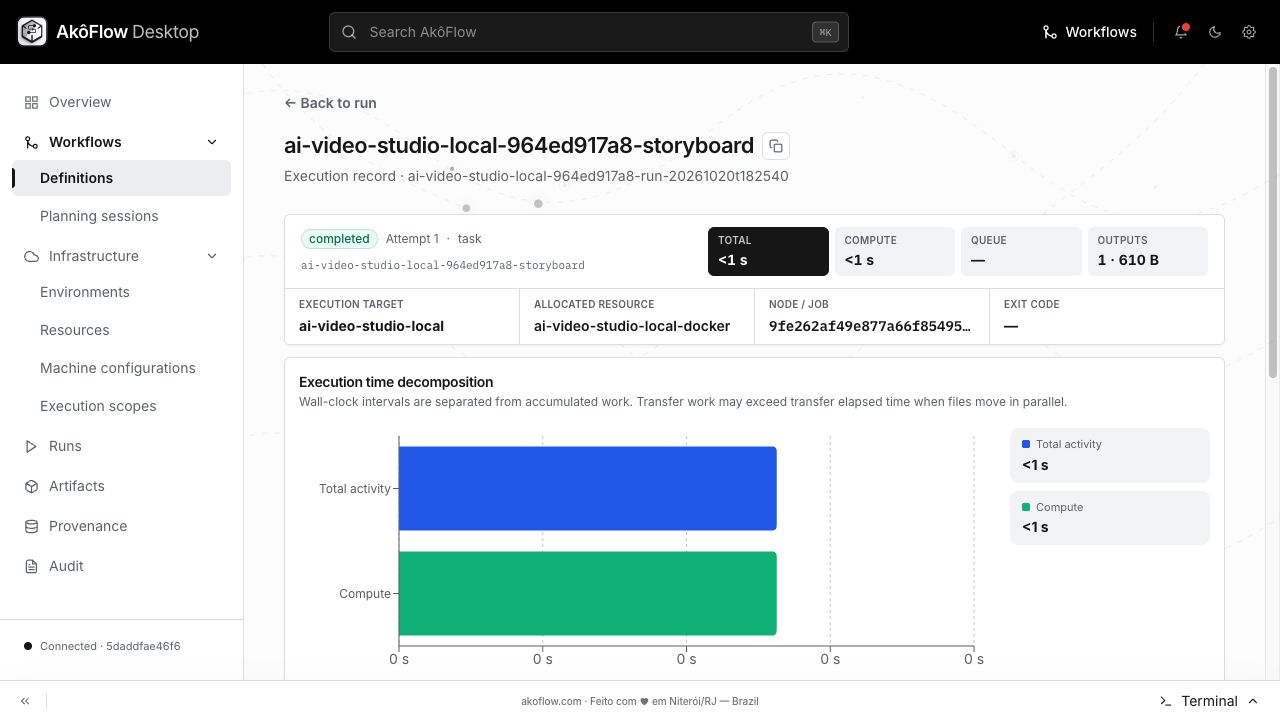
storyboard
workflow